[NOTE] Updated September 27, 2022. This article may have outdated content or subject matter.
1.什么是Gin
Gin 是一个用Go (Golang)编写的 开源web 框架。 目前在GitHub Start 47.4K, 它是一个类似于 martini 但拥有更好性能的 API 框架,路由解析由于使用的是httprouter,速度提高了近 40 倍。
2.安装
2.1 创建空目录
2.2 使用go module初始化
1
2
|
➜ go mod init go-use
go: creating new go.mod: module go-use
|
2.3 安装
1
2
3
4
5
6
7
|
 # 在文件根目录下执行
➜  gin-use git:(main) ✗ go get -u github.com/gin-gonic/gin
go: downloading github.com/gin-gonic/gin v1.7.1
go: github.com/gin-gonic/gin upgrade => v1.7.1
go: downloading github.com/json-iterator/go v1.1.9
go: downloading golang.org/x/sys v0.0.0-20200116001909-b77594299b42
....省略
|
关键语法: go get -u github.com/gin-gonic/gin
3.启动服务
3.1 代码
 1
 2
 3
 4
 5
 6
 7
 8
 9
10
11
12
13
14
15
16
17
|
package main
import (
	"github.com/gin-gonic/gin"
)
func main() {
	// 创建一个默认的路由引擎
	engine := gin.Default()
  // 注册路由,并设置一个匿名的handlers,返回JSON格式数据
	engine.GET("/", func(ctx *gin.Context) {
		ctx.JSON(200,gin.H{
			"msg":"请求成功",
		})
	})
	// 启动服务,并监听端口9090,
	// 不填默认监听 0.0.0.0:8080
	_ = engine.Run(":9090")
}
|
3.2 运行
1
2
3
4
5
6
7
8
9
|
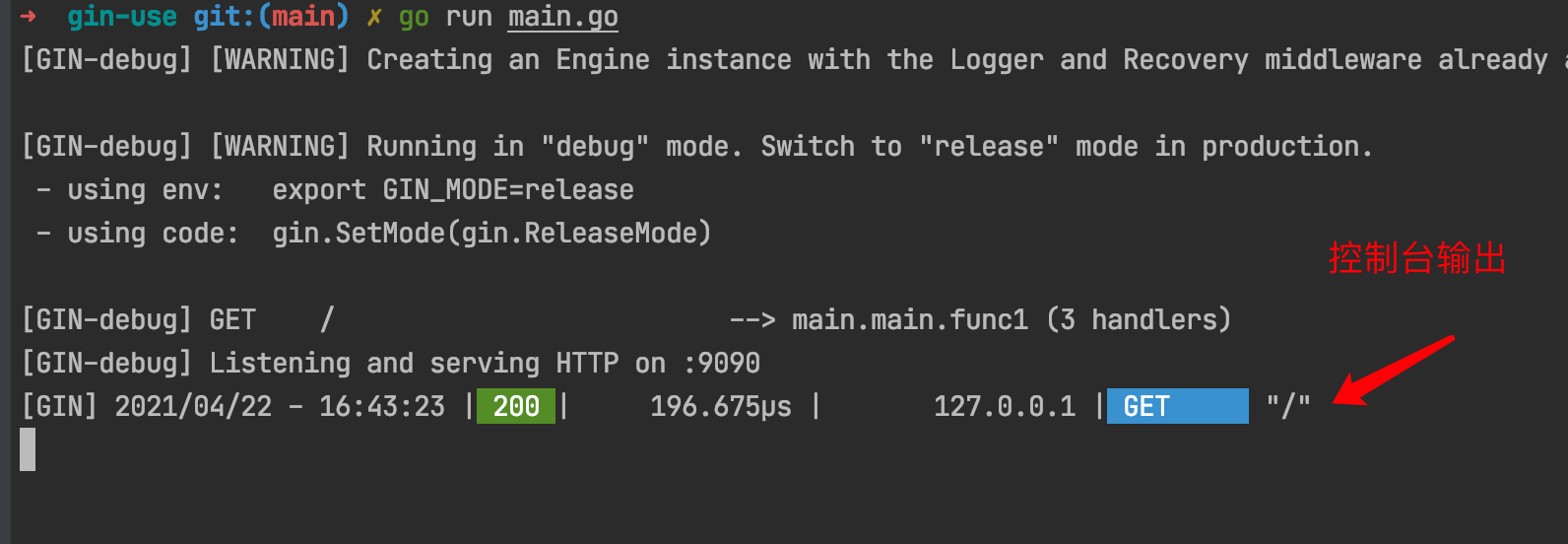
➜ go run main.go
[GIN-debug] [WARNING] Creating an Engine instance with the Logger and Recovery middleware already attached.

[GIN-debug] [WARNING] Running in "debug" mode. Switch to "release" mode in production.
 - using env:   export GIN_MODE=release
 - using code:  gin.SetMode(gin.ReleaseMode)

[GIN-debug] GET    /                         --> main.main.func1 (3 handlers)
[GIN-debug] Listening and serving HTTP on :9090
|
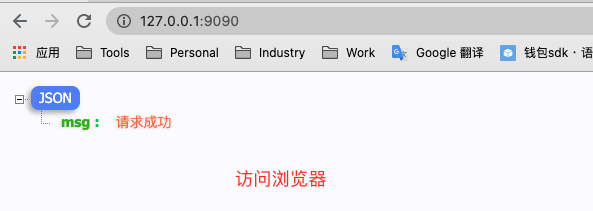
3.3 访问